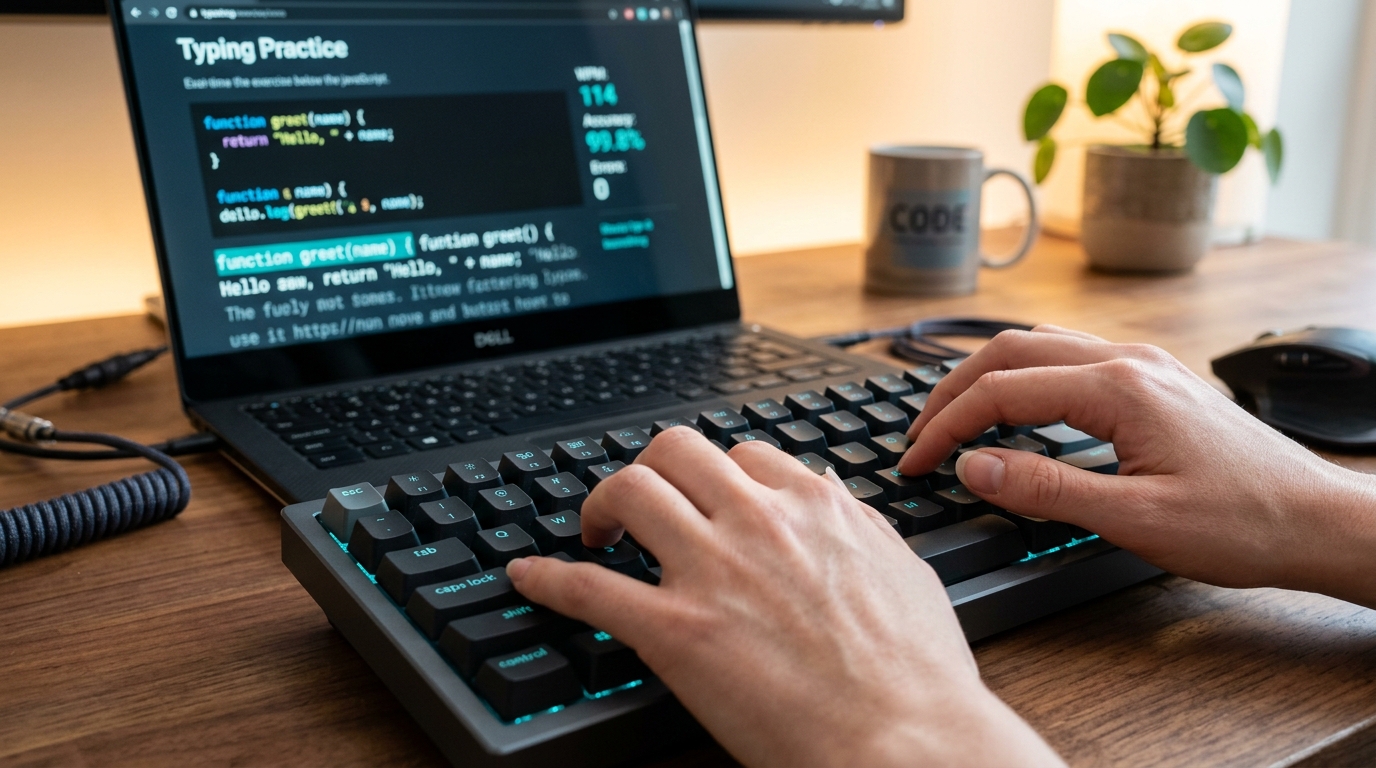
How to Increase Typing Speed from 30 to 60+ WPM: A Complete Touch Typing Guide
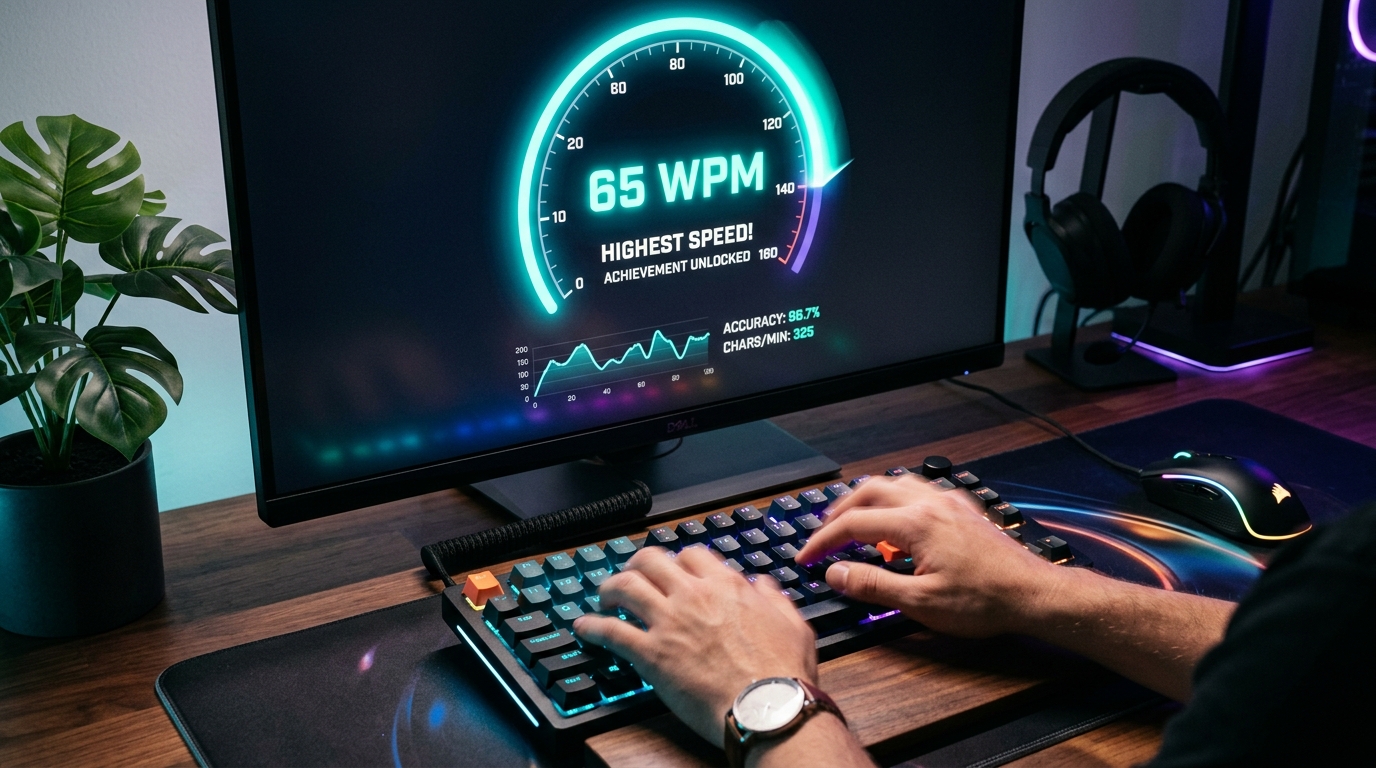
Struggling to break past the frustrating 30 WPM plateau? You are not alone. Most beginners and office workers hit a speed barrier because they rely on visual confirmation (looking down at the keys) rather than pure muscle memory. With the right touch typing foundation, crossing 60+ WPM is not a matter of talent—it is a matter of muscle discipline.
Why Typists Get Stuck at 30–35 WPM
The "hunt-and-peck" typing style—where your eyes dart between screen and keyboard—has a hard physiological limit. When your brain has to visually locate each key, process its position, and send a finger to strike it, you lose 300 to 500 milliseconds per keystroke. To double your speed to 60 Words Per Minute (WPM) or more, your fingers must learn where every key resides without your eyes ever leaving the screen.
Step 1: Master the Home Row Anchor
Touch typing is anchored on the Home Row. The small tactile ridges or bumps on the F and J keys are your tactile compass:
- Left Hand: Little finger on
A, Ring finger onS, Middle finger onD, Index finger onF. - Right Hand: Index finger on
J, Middle finger onK, Ring finger onL, Little finger on;(semicolon). - Thumbs: Rest gently on the
Spacebar.
After pressing any key in the upper row (QWERTY) or lower row (ZXCVB), your fingers must instinctively return to their Home Row base. Think of it as a musical instrument: you play a note, but your hand always resets to its resting posture.
Step 2: Follow the 95%+ Accuracy Rule (Slow Down to Speed Up)
The single biggest mistake typists make when trying to increase speed is rushing. When you type faster than your brain can coordinate, error rates spike. Correcting a mistake requires pressing Backspace, re-reading the word, and typing it again—costing you the equivalent of 4 to 5 correct keystrokes.
Step 3: Break the Backspace Addiction
Many candidates preparing for government data entry and typing tests fail because they constantly hammer the backspace key. To build genuine speed:
- Avoid backspacing mid-word if your practice tool allows continuous typing.
- Focus on a steady, metronome-like keystroke rhythm rather than erratic rapid bursts.
- When you notice frequent errors on specific character pairs (such as th, ion, or ing), practice those specific n-grams repeatedly.
Step 4: Ergonomics and Hand Posture
Physical fatigue kills speed within 5 minutes of continuous typing. Ensure your workstation follows ergonomic best practices:
- Wrists Off the Desk: Never rest your wrists or palms flat on the desk while actively typing. Keep them hovering naturally to prevent carpal tunnel strain.
- Elbow Angle: Keep your elbows bent at a comfortable 90-degree angle.
- Screen Height: The top third of your computer monitor should align directly with your eye level so you do not crane your neck downward.
Step 5: The 15-Minute Daily Training Blueprint
Consistency beats cramming. Practicing 15 minutes every single day produces far superior results compared to a 2-hour session once a week:
- Minutes 1–5: Structured finger drill on our interactive English Typing Tutor to warm up finger joints and reinforce tricky character combinations.
- Minutes 6–10: Timed paragraph test on our English Typing Test focusing strictly on 98%+ accuracy.
- Minutes 11–15: Real-time speed sprint with error review to identify your slowest keys.